Latest insights
Forged and Incomplete Solar Contracts: What to Do If You Never Saw the Full Terms

Forged and Incomplete Solar Contracts: What to Do If You Never Saw the Full Terms
Of all the solar fraud patterns documented by consumer protection attorneys and state attorney general offices, this one tends to shock homeowners the most: the contract they signed may not be the contract that exists on file.
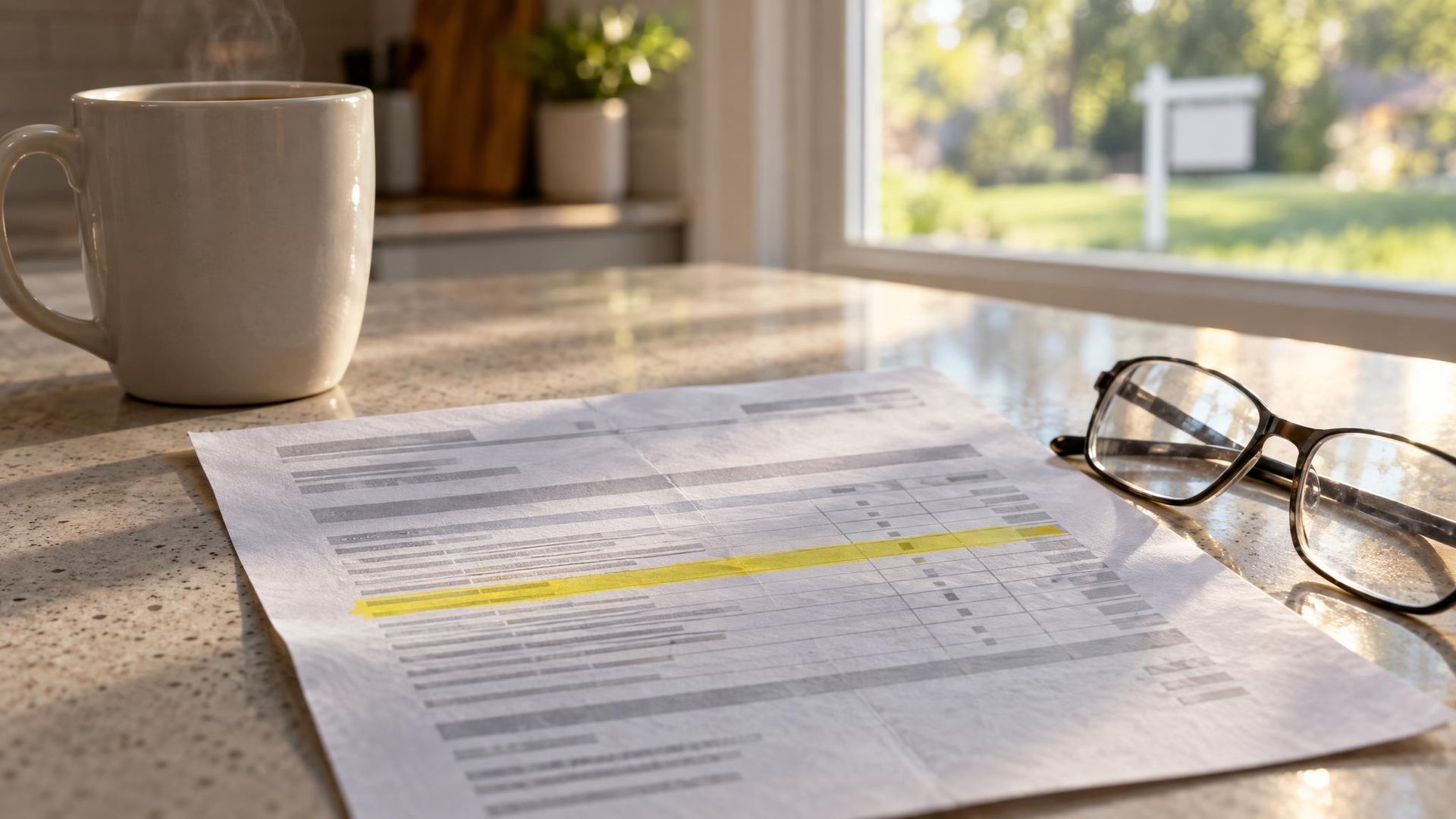
Solar contracts are increasingly signed electronically — on a tablet or phone, during the sales visit, often in a rush. Homeowners report that pages were skipped during the e-signature process, that they were told to "just initial here and here," that they never saw the full terms before signing. And in some cases, homeowners have discovered that supplementary terms were added to their contract after the initial signing — pages they never saw, carrying obligations they never agreed to.
This is not a minor paperwork issue. A contract that was materially altered after signing may be legally unenforceable.
How Incomplete Signing Happens
The e-signature process for solar contracts is designed to move quickly. A salesperson pulls up a DocuSign link or proprietary signing app, scrolls to the signature fields, and directs the homeowner to sign and initial in specific places. The full document — often 30–50 pages including exhibits, addenda, and financing agreements — is rarely read in full during this process.
What homeowners consistently report:
- Being shown only the summary page or key terms, not the full agreement
- Signature fields appearing without the surrounding contract text visible on screen
- Being told the rest of the document is "standard" or "just legal boilerplate"
- Receiving a copy of the contract days later — or never — rather than immediately at signing
- Discovering pages or addenda in their contract file that they have no memory of seeing
Under California law, a seller is required to provide a completed copy of any contract at the time of signing. Failure to do so is itself a violation — and it sets up the conditions for post-signing alterations to go undetected.
Post-Signing Alterations: What the Evidence Shows
Some solar companies have been found to add supplementary terms after the initial signing. This can take several forms:
Addenda added to the file — additional pages attached to the original contract that weren't present at signing, sometimes appearing with the homeowner's signature reproduced from the original document.
Modified payment schedules — loan or lease exhibits showing different terms than what was discussed at signing.
Changed system specifications — equipment lists updated after signing to reflect lower-quality panels than originally specified, with the homeowner's signature carried over from the original agreement.
Supplementary arbitration clauses — in some documented cases, mandatory arbitration clauses have been added to contracts after initial signing to limit a homeowner's legal options before they discovered a problem.
How to Detect If Your Contract Was Altered
The most important tool available to you is document metadata — and most homeowners don't know to look for it.
Every electronic document carries embedded metadata showing when it was created, when it was last modified, and in some cases who modified it. If your contract's metadata shows a modification date after your signing date, that's a significant red flag warranting a full review.
Here's what to do:
Step 1: Request a complete copy of your signed contract from the solar company, including all exhibits and addenda. If they delay or provide an incomplete response, document that.
Step 2: Compare every page against what you remember signing. Pay particular attention to any pages that contain your signature or initials on documents you don't recall seeing.
Step 3: If you signed electronically, check whether your signing platform — DocuSign, Adobe Sign, or a proprietary system — has an audit trail or certificate of completion. This document shows the sequence and timing of every signature event and can reveal whether documents were modified after your session.
Step 4: Check for pages or addenda with modification dates after your signing date. On a PDF, this information is often visible under File > Properties > Description in Adobe Acrobat.
Step 5: Compare the system specifications in your contract against what was actually installed. Request the permit and inspection records from your local building department — they will show the equipment that was actually submitted for permit.
What California Law Says
A contract that was materially altered after signing without the homeowner's knowledge or consent may be void or voidable under California contract law. Material alteration — meaning a change that affects the rights or obligations of a party — can render a contract unenforceable regardless of what the document now says.
Additionally, forging or fraudulently altering a contract document may constitute fraud under California Penal Code Section 470 and civil fraud under common law, opening the door to both contract rescission and damages.
California's Consumer Legal Remedies Act (CLRA) also specifically prohibits inserting unconscionable contract terms that a consumer has not had a meaningful opportunity to review.
Frequently Asked Questions
I signed electronically — is that binding? Electronic signatures are legally binding in California under the Uniform Electronic Transactions Act (UETA). However, binding signature doesn't mean the underlying contract is enforceable if it was altered after signing or if required disclosures were omitted.
What if I never received a copy of my contract? California law requires you be given a copy at signing. If you never received one, request it in writing from the solar company immediately. Their response — or non-response — is itself evidence. Keep everything documented.
The company says I initialed every page — does that mean I agreed to everything? Not necessarily. If pages were presented in a way that prevented meaningful review, or if content was added after your initials were captured, initials alone don't create binding agreement to terms you never saw.
How do I know if my system specifications were changed after signing? Request your building permit from your city or county building department. The permit application lists the specific equipment submitted for approval. Compare it against your contract's equipment exhibit. Discrepancies between the two are significant.
Think your contract may have been altered or that you never saw the full terms? Book a free consultation or call (213) 579-5156. We review solar contracts across all of California — remote consultations available.
Other insights
More from California Solar Exit